
Selecting the right work chair - a definitive ergonomics guide.
All work chairs call themselves 'Ergonomic'. So How do you decide which one is right? Here is a science-backed, 8-point ergonomics framework you can use to look beyond marketing claims and make the right purchase decision.
01. Stable base
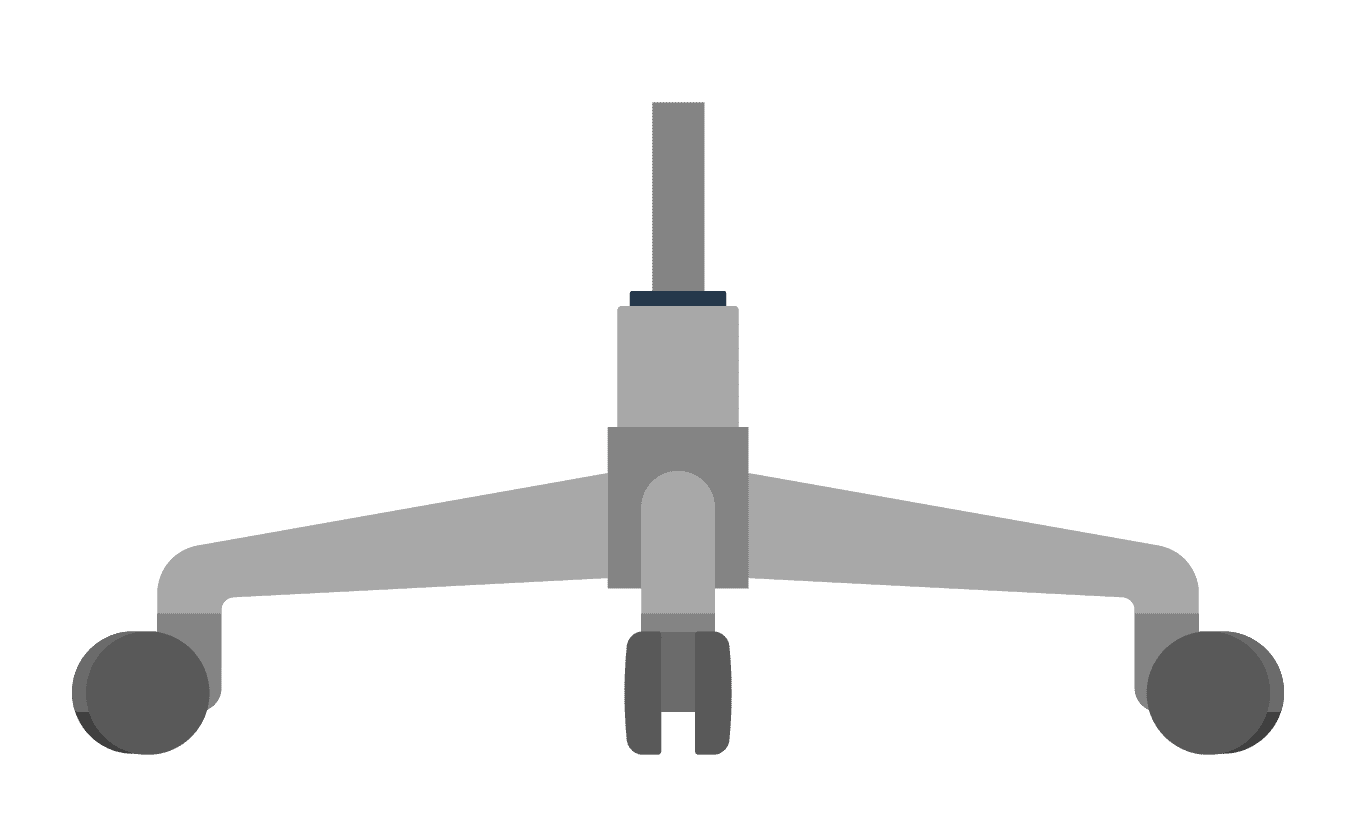
Specification:
- 5-castor (wheel) base
- Soft castors for hard floors (hardwood, laminate, tile, concrete)
- Hard castors for soft floors (carpeted)
Rationale: A five-point base provides optimal stability and reduces tipping risk. The correct castor type ensures smooth movement without damaging flooring.
02. Sitting height
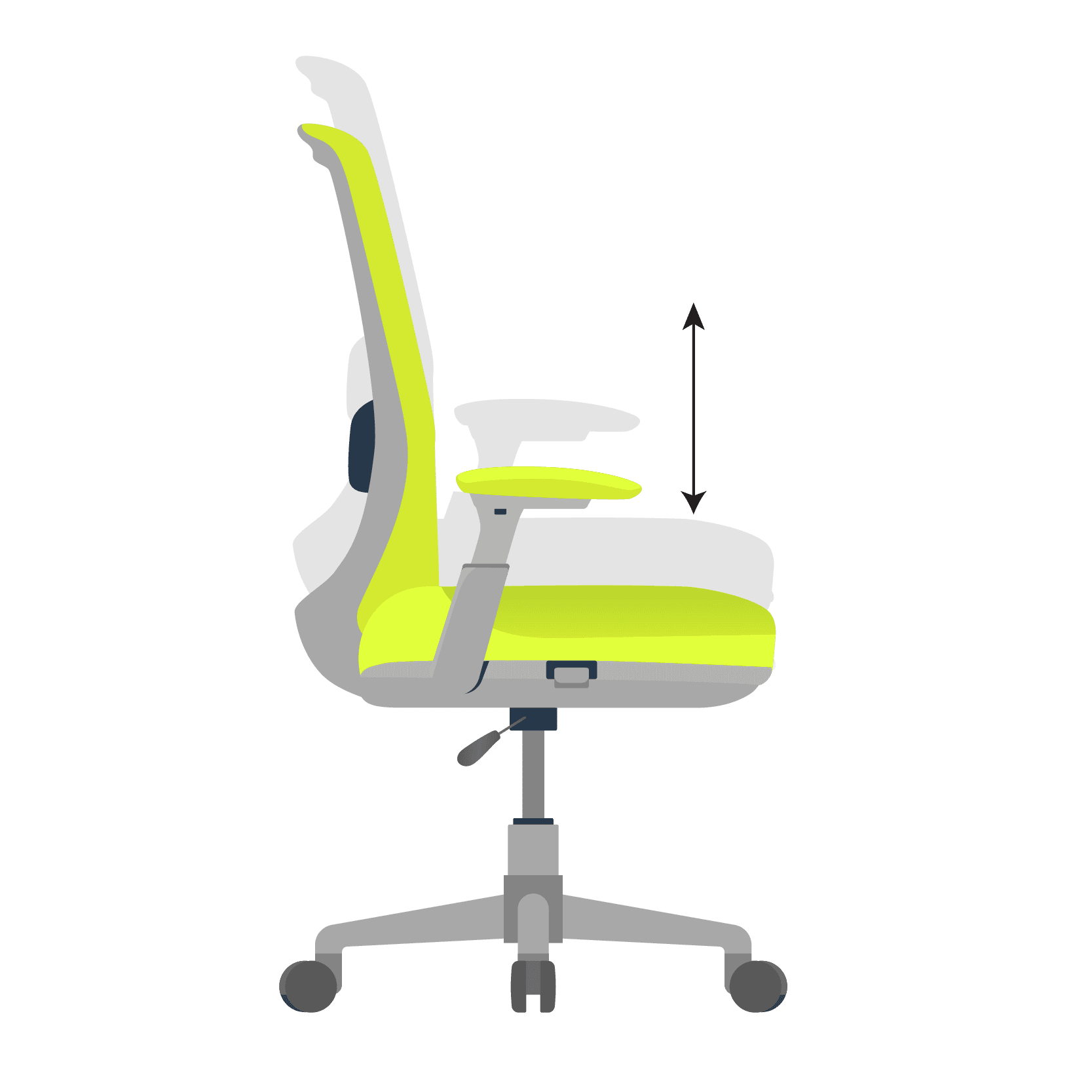
Specification:
- Desirable: 38cm - 56cm
- Acceptable: 40cm - 52cm
Rationale: Proper seat height is critical for maintaining an open hip–knee angle with full foot support on the floor. In other words, you should be able to sit with hips slightly above the knee level. Greater adjustability also supports proper arm and shoulder posture while working at a high desk.
03. Seat pan depth and width
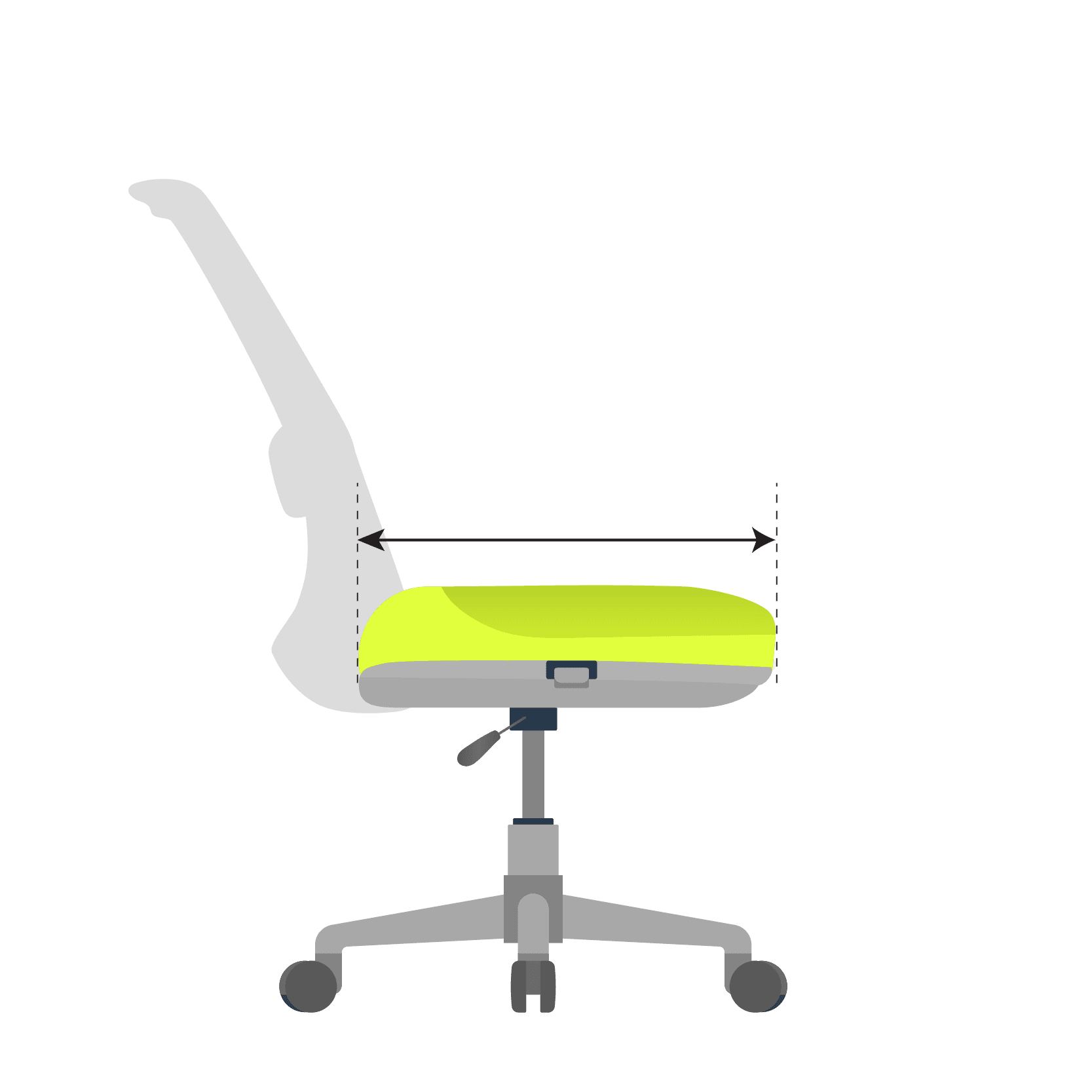
Specification:
- Desirable Depth: 38cm - 54cm
- Acceptable Depth: 40cm - 50cm
- Desirable Width: 52cm
- Acceptable Width: 50cm
- Bonus feature: Forward tilting seat pan (helps with opening the hip angle further and promoting spinal curvature)
Rationale: The seat should support the entire thigh while leaving 2 fingers gap behind the knee. Adequate width prevents compression, promotes even weight distribution and allows occasional fidgeting - which is good for health.
Also read


04. Backrest
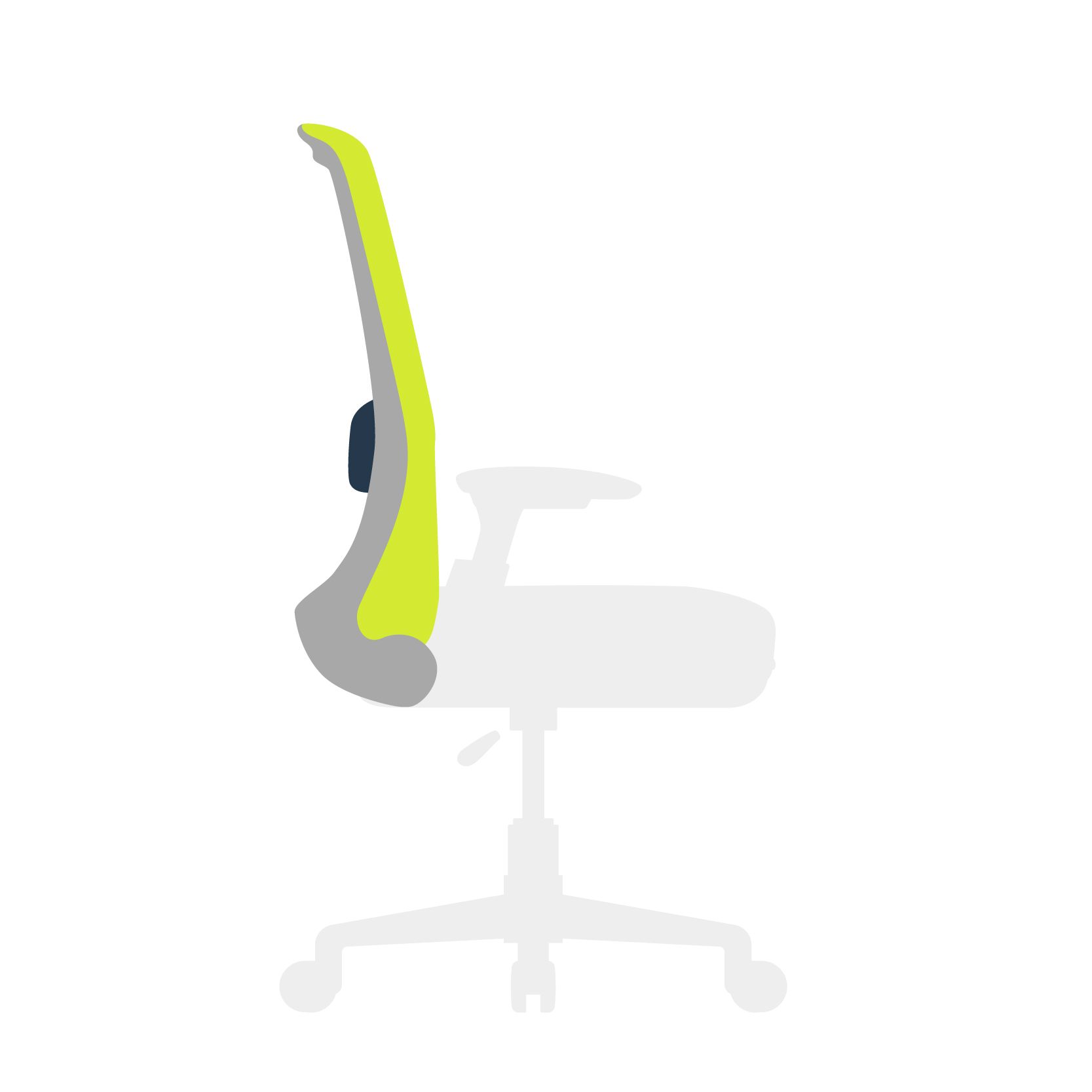
Specification:
- Continuous backrest (support for upper and lower back) that reaches up to shoulder blades
- Backrest height: 45cm – 65cm (from seat surface)
- Curvature that supports lumbar curve
- Adjustable lumbar support (movable vertically between 15cm - 25cm from seat height)
Rationale: The backrest should extend from the lower back to the shoulder blades. A lumbar support promotes natural spinal alignment and reduces strain on the lower back during prolonged sitting.
05. Lockable tilt
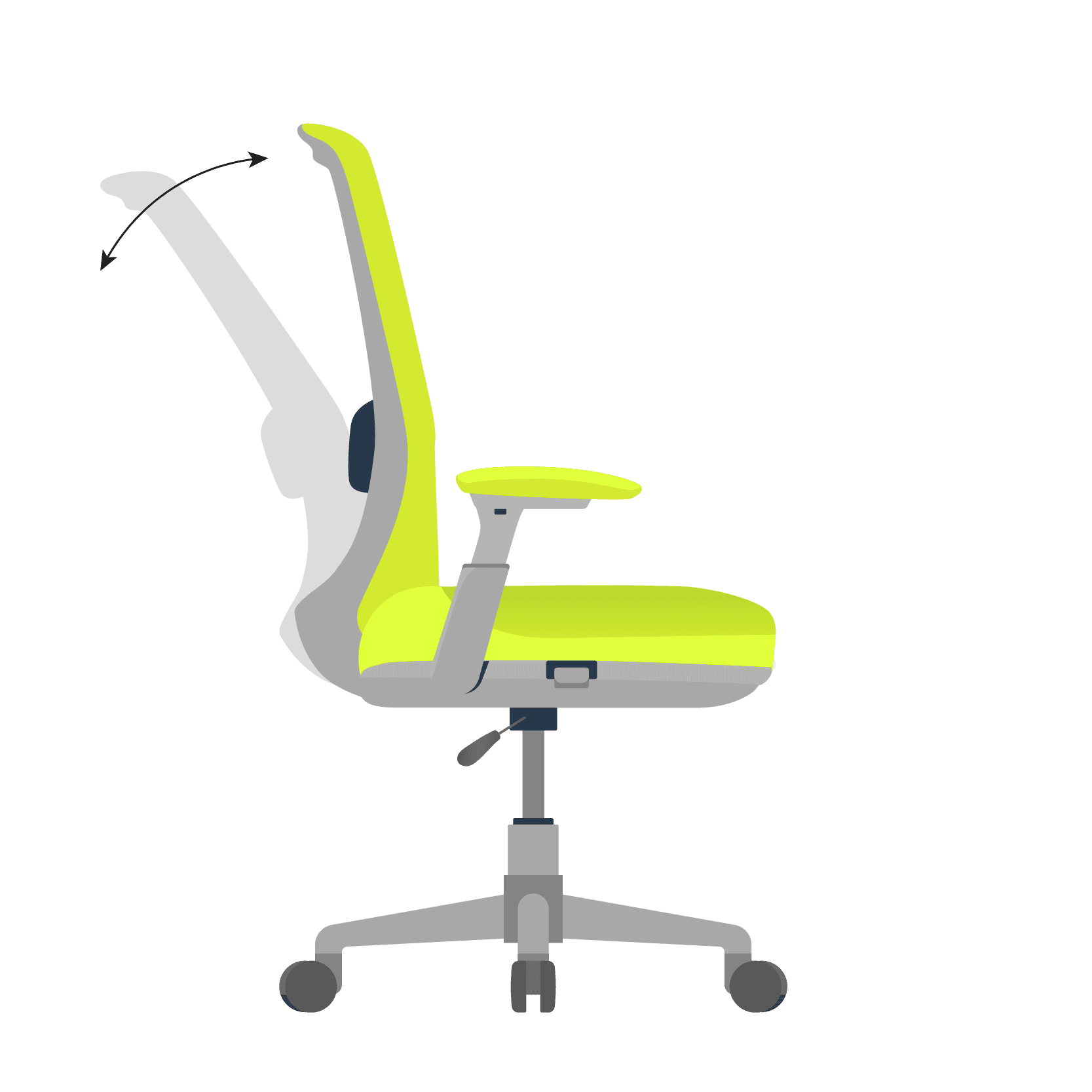
Specification:
- Desired: Tilt Limiter and Tilt Lock (Lock the tilt at various seat recline angles)
- Acceptable: Tilt Lock (Lock and unlock the tilt)
Rationale: A slight recline reduces spinal compression compared to upright sitting. The tilt lock ensures firm back support and allows back muscles to relax.
06. Adjustable armrests
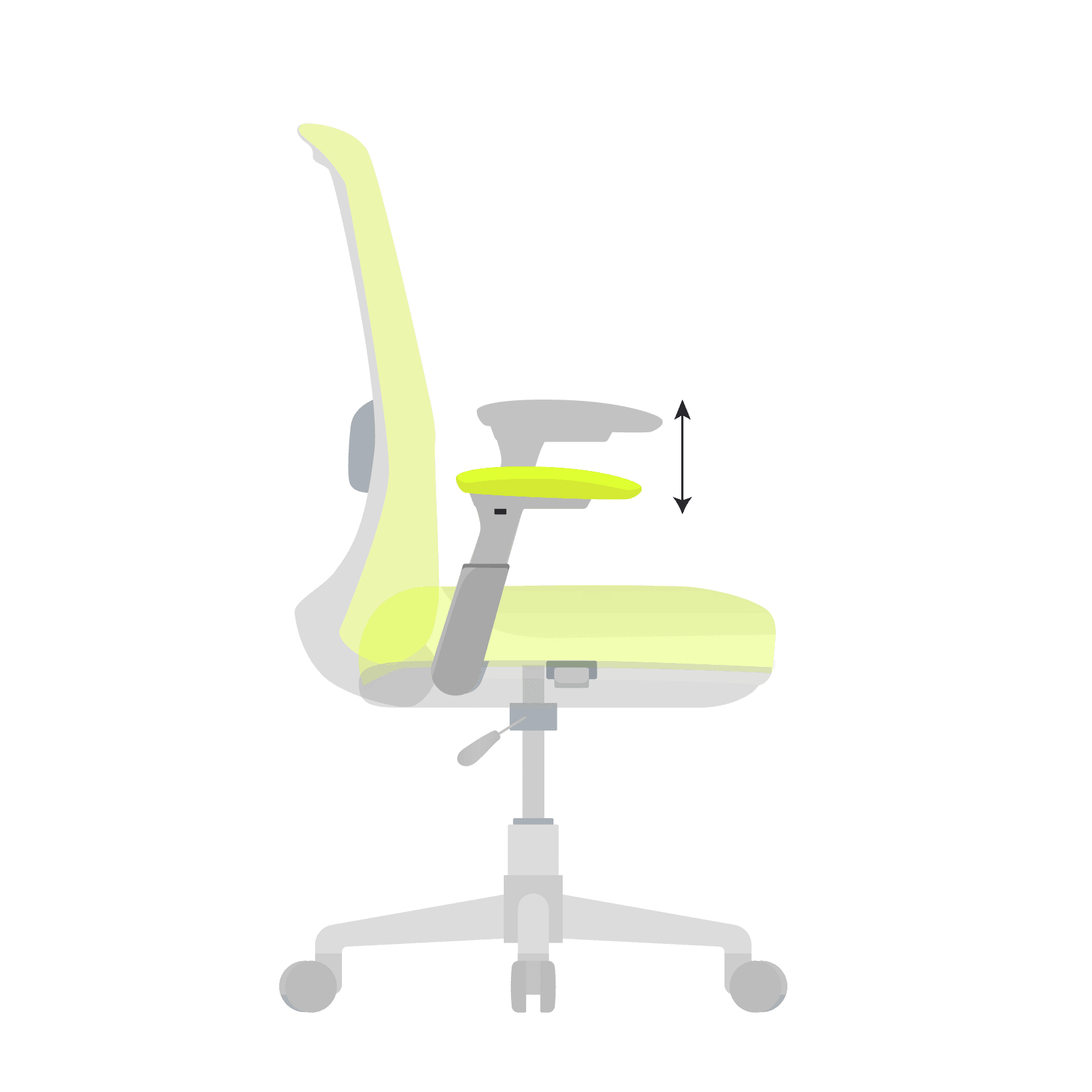
Specification:
- Armrest height adjustable between 17cm – 30cm (from seat surface)
- Armrest to Armrest Distance (width): 39cm-52cm
Rationale: Lowering armrests below elbow height allows keeping the shoulders relaxed. Armrests should be used only while resting to avoid forearm contact stress.
07. Headrest
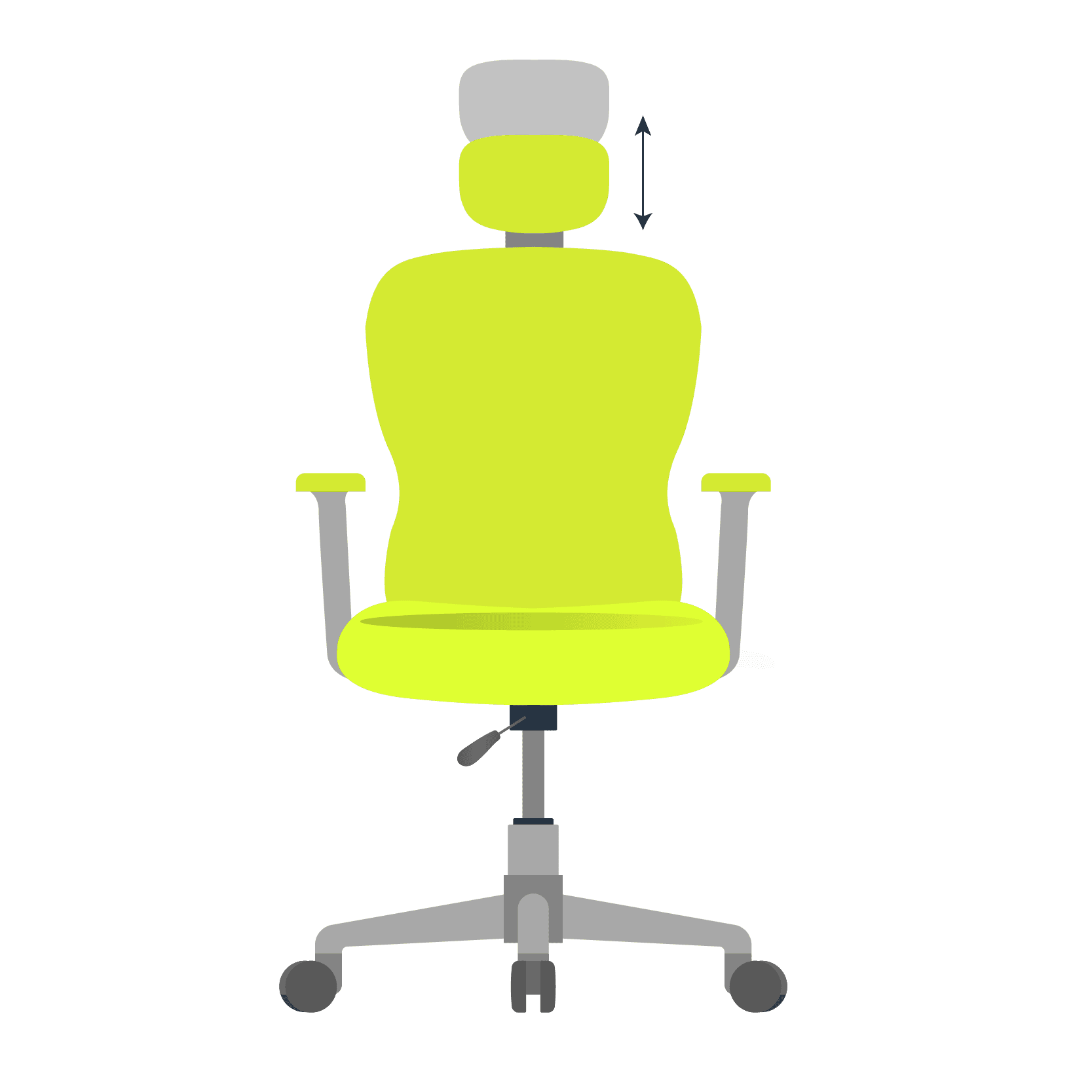
Specification:
- Not a must have feature because it is practically difficult to do computer work while using headrest
- Consider headrest, only if you have neck injury or very long working hours, for occasional relaxation
- Adjustable vertically so it rests comfortably in the cavity behind the neck
Rationale: A headrest can be useful in setups where the screen is positioned above head level. However, continuous contact stress should be avoided. For most standard desk setups, it remains optional.
08. Upholstery
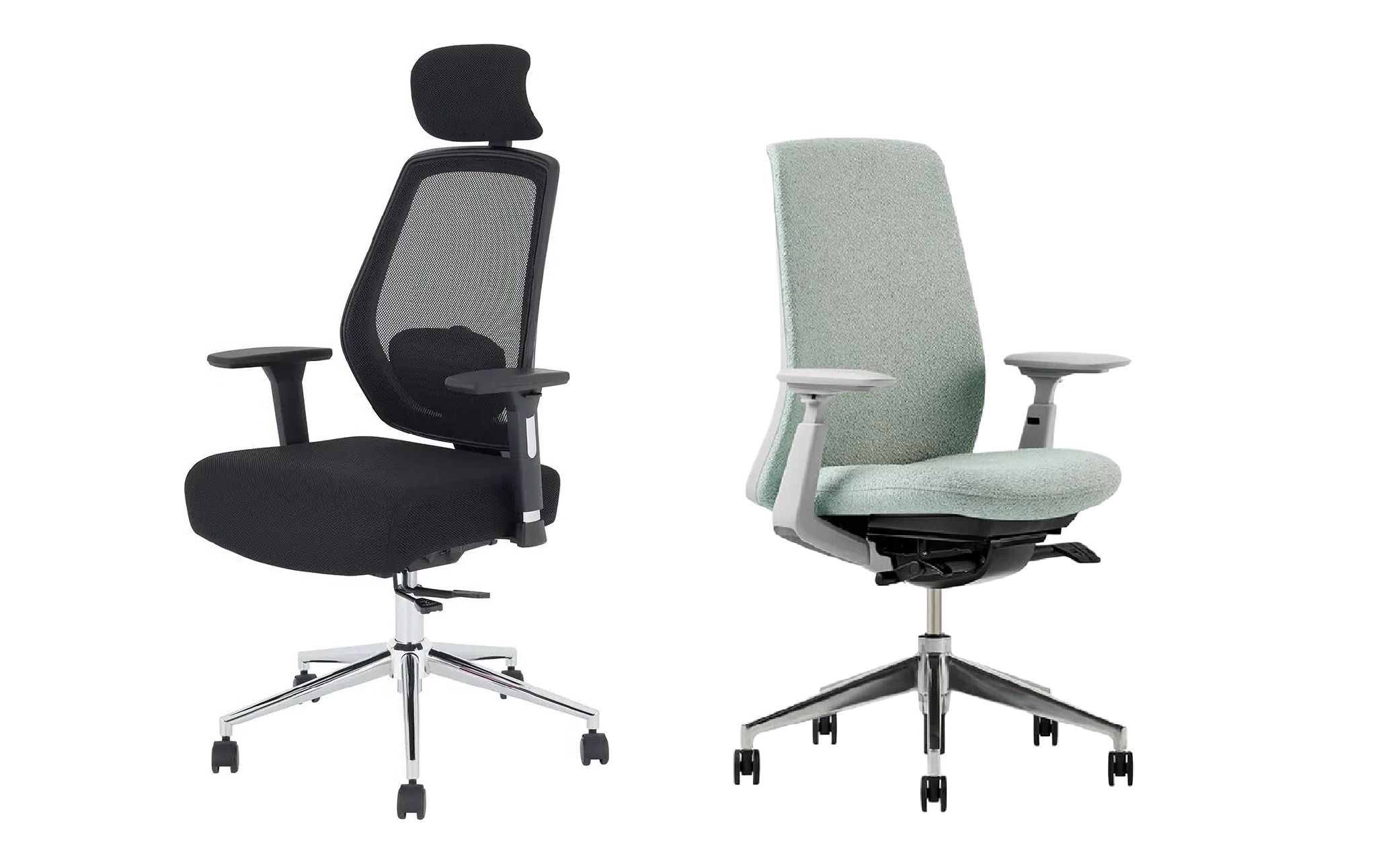
Specification:
- Mesh for non-air-conditioned and dusty environments
- Fabric for air-conditioned environments
- Leather is not recommended due to low thermal comfort
Rationale: Mesh material offers superior breathability, making it suitable for warmer environments. Fabric upholstery provides additional cushioning and comfort in controlled indoor settings.
In summary, an ergonomic chair is an investment in long-term health, not just immediate comfort. When evaluating options, more than the brand or price, focus on adjustability and compatibility with your work environment.
Explore other articles


Setup

Ergo Hacks

Posture
Ergonomic hacks for home office - better posture at no extra cost.
Creative and affordable ergo tips to make remote work comfortable and productive.

Health
How to reduce Digital Eye Strain (DES) without reducing screen time
Practical ergo tips to protect your eyes while using the computer and phone.

Fitness
Health
Why your back pain doesn't go away and how ergonomics can help.
Know why expensive therapy isn't enough and how focusing on ergo root causes can help.