
How to reduce Digital Eye Strain (DES) without reducing screen time
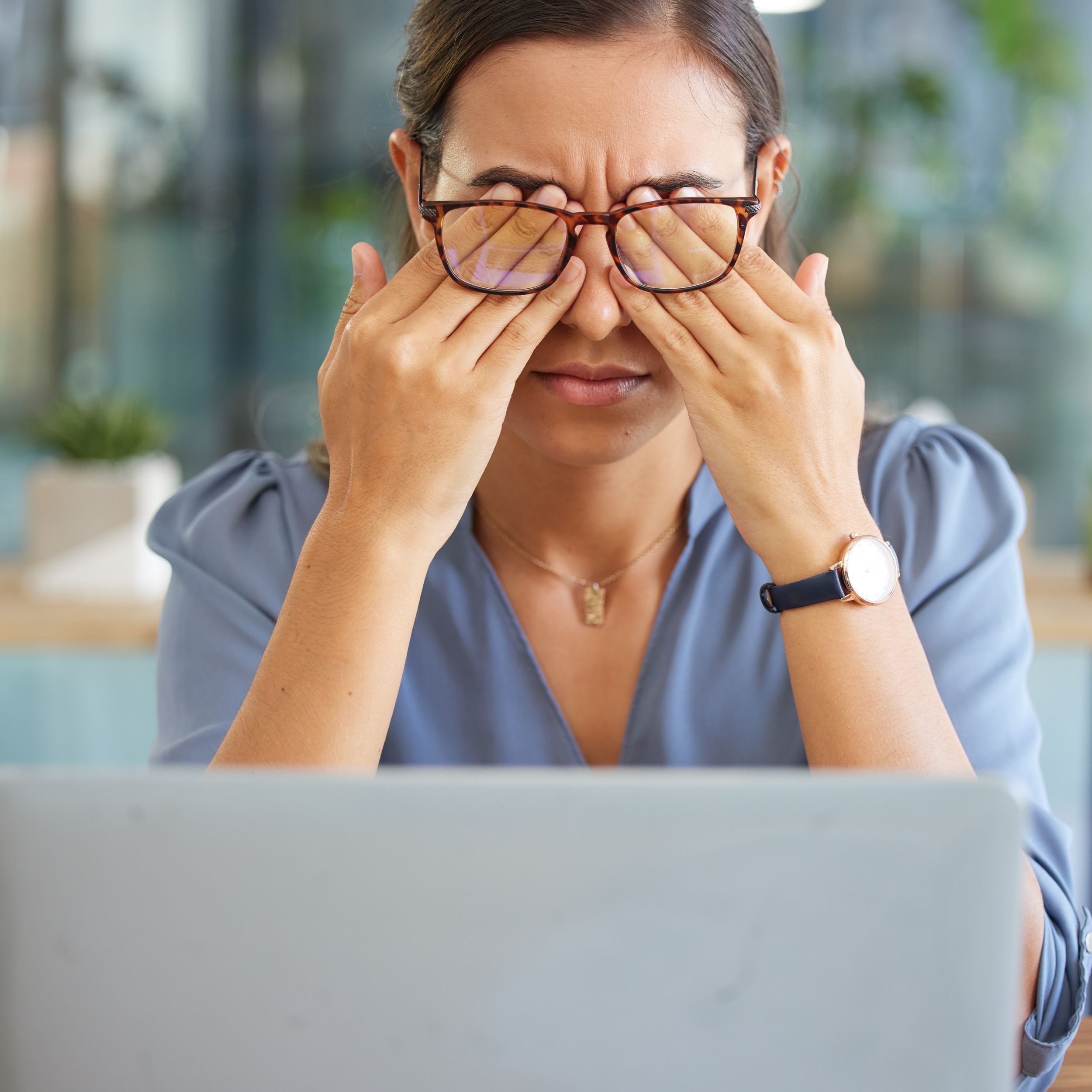
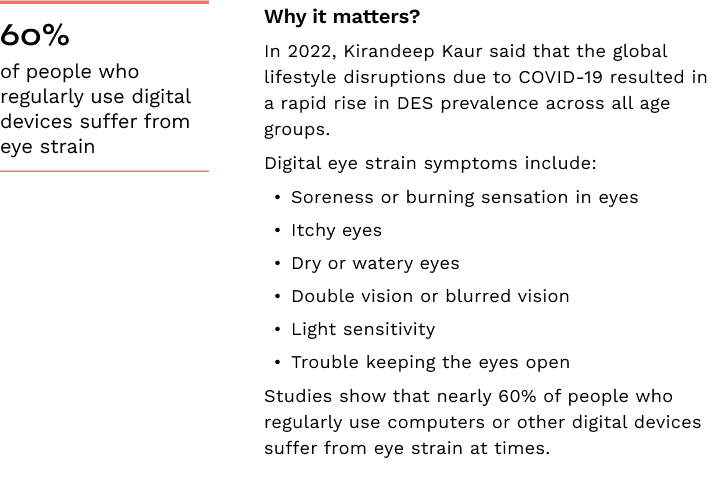
If your eyes feel tired, dry, or blurry by the end of the day, you are not alone. Eye strain from extended usage of computer and phone screens is one of the most common and overlooked health complaints of modern life.
Reducing screen time spent on work or leisure may not always be practical. Still, what you can control is how the screens are used. Here are some practical ergonomics tips that will keep your eyes safe.
Tip 1: Soften the lighting around You
Excessively bright light, especially from windows or harsh interior lighting, makes your eyes work harder.
- Close blinds if sunlight hits your eyes directly
- Avoid sitting under harsh ceiling lights
- Reduce room lighting by using fewer light bulbs or use lower intensity tubes
Tip 2: Reduce reflections
Glare from light reflecting off walls and finishes, as well as your computer screen can be surprisingly tiring, even if you don’t consciously notice it.
- Install an anti-glare film on your screen if it's not matt finish
- Position your computer screen so windows are to the side, not in front or behind
- Avoid bright white tabletops
Tip 3: Adjust screen brightness
If your screen feels like a light source, it’s probably too bright. If text looks dull, it may be too dim.
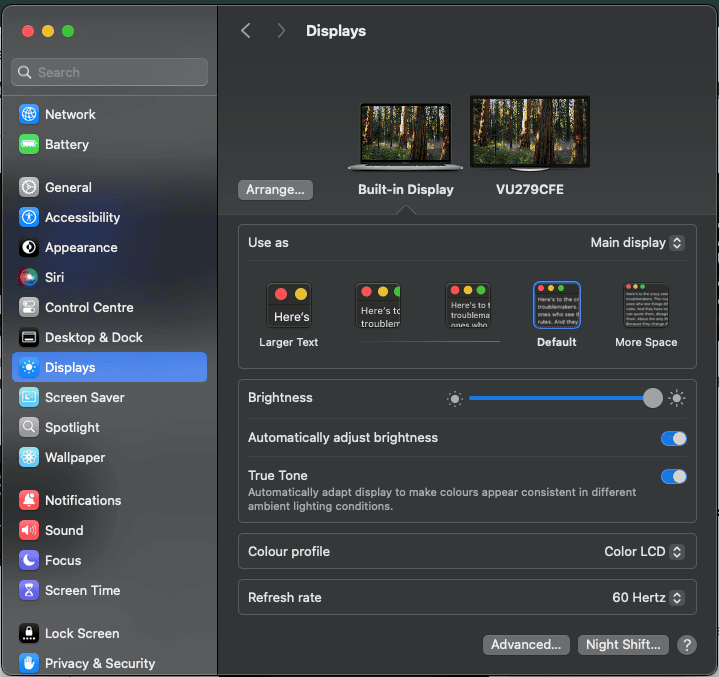
Using your computer settings, adjust the brightness of the display so it’s approximately the same as the brightness of your surroundings. As a test, look at the white background of this Web page. Your screen brightness should match the room, not overpower it.
Tip 4: Adjust font size and contrast
Small fonts or poor contrast strains your eyes, especially when reading or composing long documents.
- Increase text size - as a gauge, 12 point or above in Microsoft Word is good
- Improve contrast - If bright screens feel harsh, switching to dark mode can be easier on the eyes, especially in low-light environments
Also read
Tip 5: Avoid using screens in total darkness
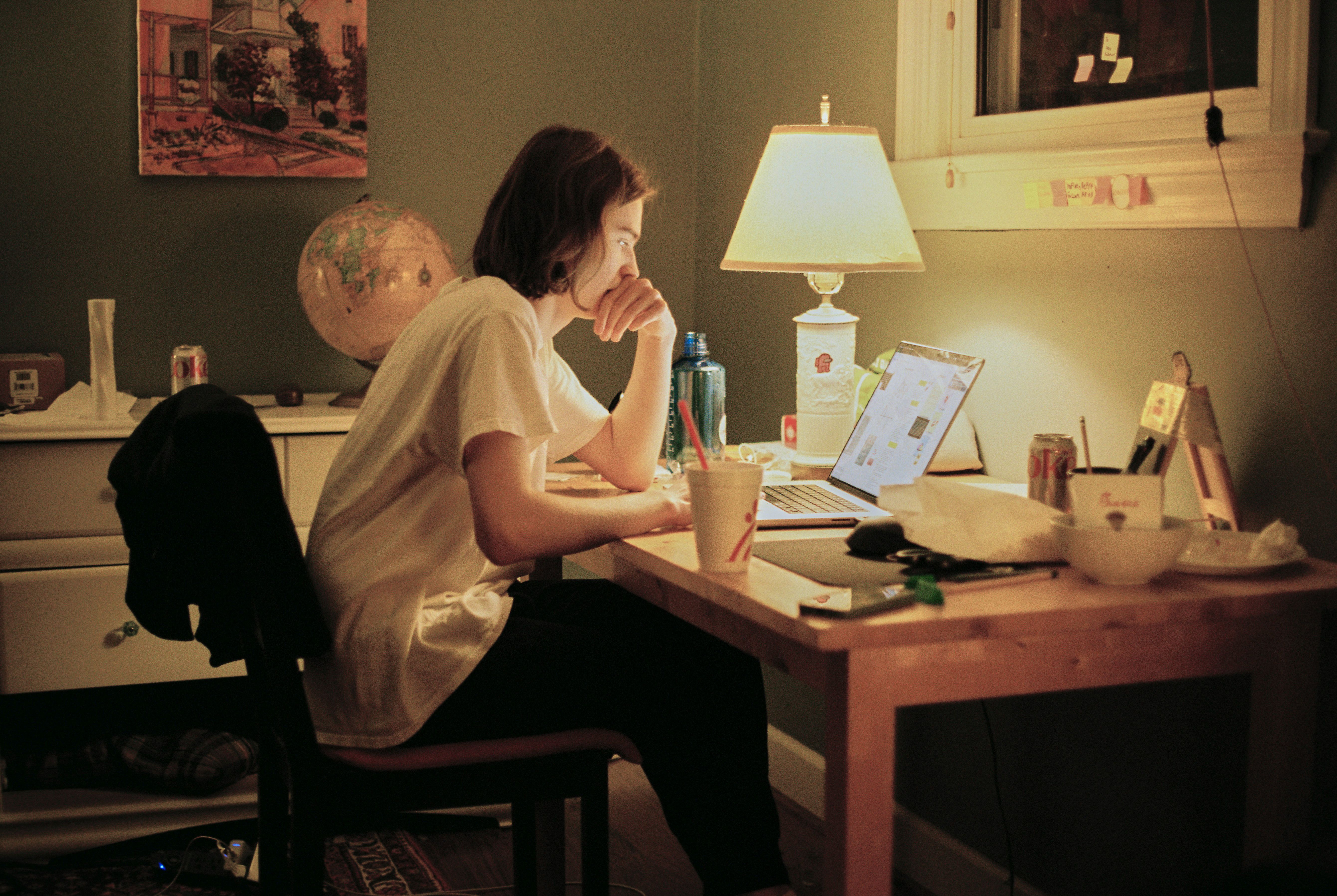
Using a bright screen in a completely dark room forces your eyes to constantly adjust between extreme light levels. This can lead to visual fatigue and discomfort.
- Keep a soft background light on, or
- Use a desk lamp
Tip 6: Don’t forget to blink
The primary contributing factor to DES is infrequent blinking. When you concentrate on screens, you blink less, often without noticing. This dries out the eyes and causes that scratchy or burning feeling. So remember to blink more often. This exercise helps activate the tear glands, thereby reducing dry eyes symptoms:
- Close your eyes tightly for a few seconds
- Open your eyes and relax
- Repeat 3 times
Tip 7: Try the 20-20-20 exercise
Your eye muscles might get “stuck” after focusing at the same screen for a prolonged time.

- Every 20 minutes, look at an object at least 20 feet away for about 20 seconds
- You can blink normally while doing this
- Repeat once, then go back to your screen
Tip 8: Step away from the screen
Staring at the screen for long periods of time without breaks leads to eye fatigue
- Take frequent screen breaks during your work day, at least one 5-minute break every hour
- Stand up, move about and stretch your arms, legs, back, neck and shoulders to reduce tension and muscle fatigue
Tip 9: Adjust your screen distance and height
Placement of computer screen affects the health of your eyes indirectly.
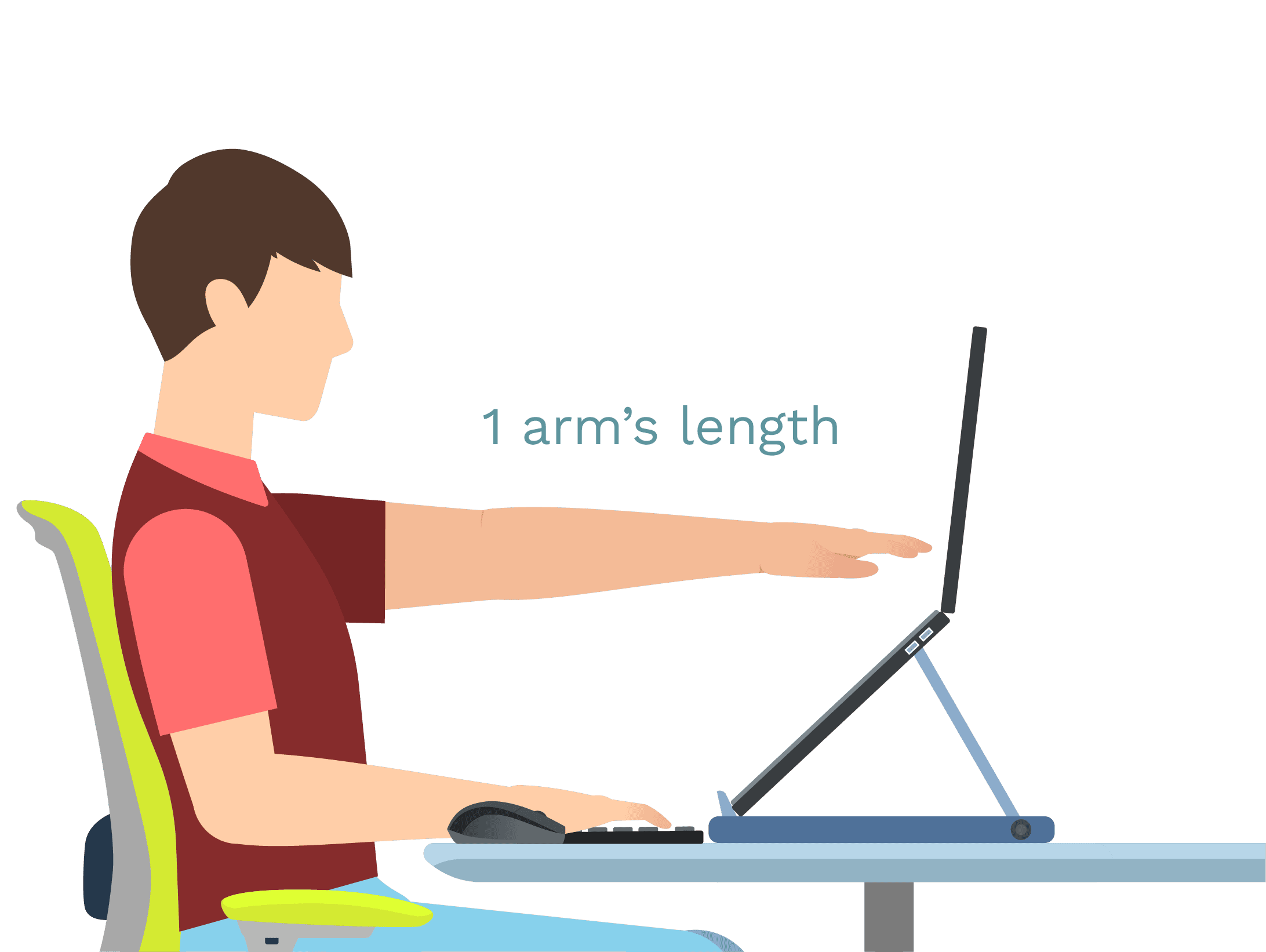
- Position the screen at arm’s distance. This will avoid straining the eyes to process the information and prevent leaning forward.
- Adjust the height of the screen such that the first line of text is at eye level. This will avoid having to look up, which can be tiring for the eyes and the neck.
In conclusion, even if you can't reduce computer or phone screen time, digital eye strain can be minimized by making specific changes to screen position, brightness, glare, font size, contrast and taking visual breaks. Start today!


Explore other articles


Setup

Ergo Hacks

Posture
Ergonomic hacks for home office - better posture at no extra cost.
Creative and affordable ergo tips to make remote work comfortable and productive.

Fitness
Health
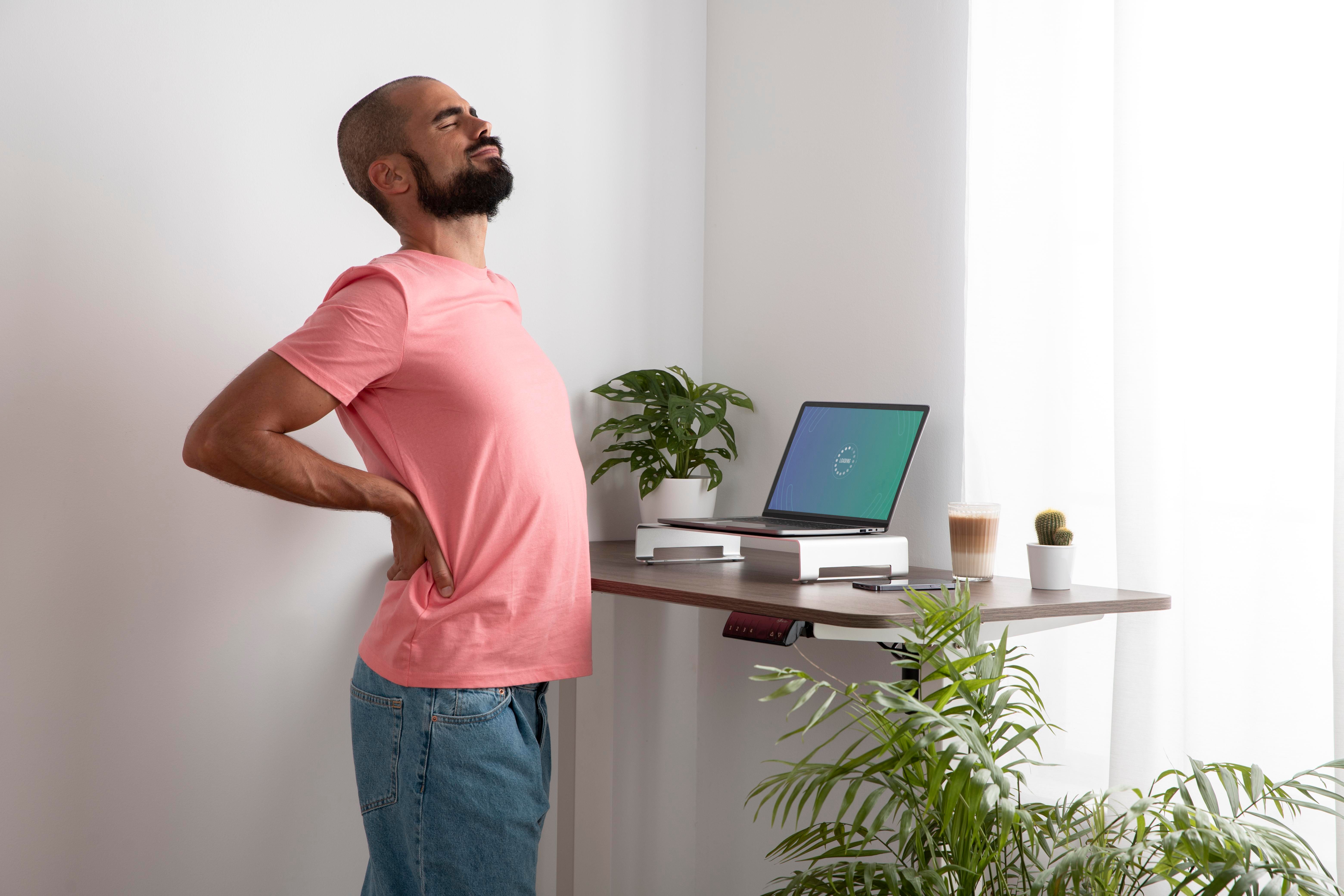
Why your back pain doesn't go away and how ergonomics can help.
Know why expensive therapy isn't enough and how focusing on ergo root causes can help.
Setup

Equipment
Posture
Bought a standing desk but stopped using It? It's possible to restart.
Ergonomics tricks to sustain the healthy habit of occasional standing during work.